How to Track a phone Number Without the Application

- Unsplash





First step, open the www.SAT-GPS-Tracker.com site. Next, choose “Track a phone number here” menu. Then, select the country where your phone lost. After that, enter the phone number code with the number 62 if you are in Indonesia. Then, fill in the phone number with the complete phone number you want to find without using the number 0 in front of it. So, you can click search.

4. How to Track a Phone Number with Google Maps

Google Maps

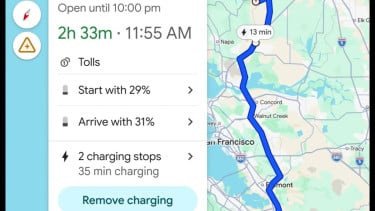
You can open the Google Maps Application. For tracking a phone number with this Google Maps, you should connect with the internet connection. After that, go to Google Maps, then look for the options menu.
Next, go to the Friend List, then select Add Friend or Add Friend. You can invite family, friends, girlfriends, neighbors, or the cellphone number whose position you want to know and make sure the target phone number has received the invite or invitation earlier.

Click on a friend or relative that you want to track and Google Maps will automatically track and notify you of the whereabouts of the target being tracked.
5. How to Track a Phone Number with Email

email bisnis
- http://dianeaninditya.wordpress.com/
If your smart phone is lost, you can try to track it using the email used to log in on the smartphone. Here are the Steps to track it:
First, you can access gmail.com via cellphone or via personal computer. Then, login according to the email address and password installed on the lost cellphone. After that, click the 9 icon or the 9 dots icon. Next, select the Google account menu, then go to the open my activity option. Look for the 3 stripes menu in the left corner on the PC Display and you can click on activity control.
That's a review of how to track a phone number without an application. Good luck.