How to Delete Channels Feature on WhatsApp
Senin, 9 Oktober 2023 - 19:30 WIB

Sumber :
- META
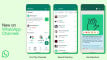


4. On the confirmation screen, tap the Delete button

5. You need to confirm with your WhatsApp number to delete the channel. Enter your WhatsApp number and click on the Delete button
6. If verified, you will get a success message stating that "You have deleted your channel" in the Updates section.

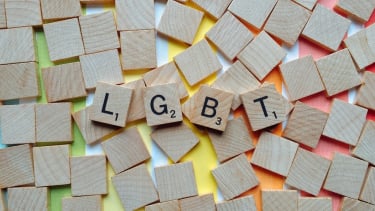
Polisi Usut Grup WA Masukkan Pelajar Secara Acak yang Bahas LGBT hingga Orientasi Seksual
Sebuah grup WhatsApp bernama ‘Add people as much as you can’ menjadi perhatian. Hal itu lantaran setelah diduga memasukkan sejumlah siswa secara acak.

VIVA.co.id
2 September 2026