How to Delete Channels Feature on WhatsApp

- META
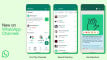


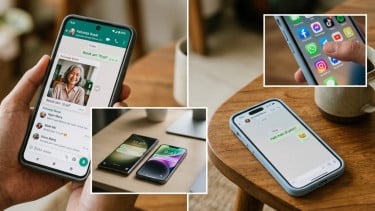
Jakarta – In June, WhatsApp launched its Channels feature. This world's instant messaging said that Channels offer a straightforward, dependable, and private means to receive crucial updates from individuals and organizations within the WhatsApp environment.

Channels serve as a tool for one-way broadcasting, allowing administrators to send text messages, photos, videos, stickers, and polls.
The company is developing a searchable directory to help users discover channels that match their interests. Within this directory, users can explore channels related to their hobbies, sports teams, updates from local authorities, and other topics.

WhatsApp.
- Misrohatun Hasanah
In addition, users can choose to join WhatsApp Channels through invitation links shared in chats, emails, or posted on the internet.

WhatsApp claims that Channels will be "the most private broadcast service available," and will protect the personal information of admins and their followers.
Neither their phone numbers nor profile pictures will be shown to each other, nor will admins be notified of other channels to which their followers have subscribed.
WhatsApp.
- Unsplash
Now, what many people are asking is: How to delete a Whatsapp channel?
But, before deleting Channels, here are some important things you should consider.
- Deleting a channel will be permanent. If you delete it, then you will not be able to update it again.
- Followers of your Channels can still see old updates for up to 30 days.
- Your channel will not be visible in the Channels list in Search results.
- Non-followers or viewers only will no longer be able to see your channel or updates. They cannot to find your channel in searches. New people will no longer be able to follow your channel, and your share link will no longer work.
Here's how to delete a WhatsApp Channels:
1. Open WhatsApp Channels on your phone
2. Click the Channel Name at the top
3. Now, click the Delete Channel button